Book a free consultation
The daily friction your team shouldn't have to deal with
These are the problems estate agents tell us about before they connect their phone system to Reapit.
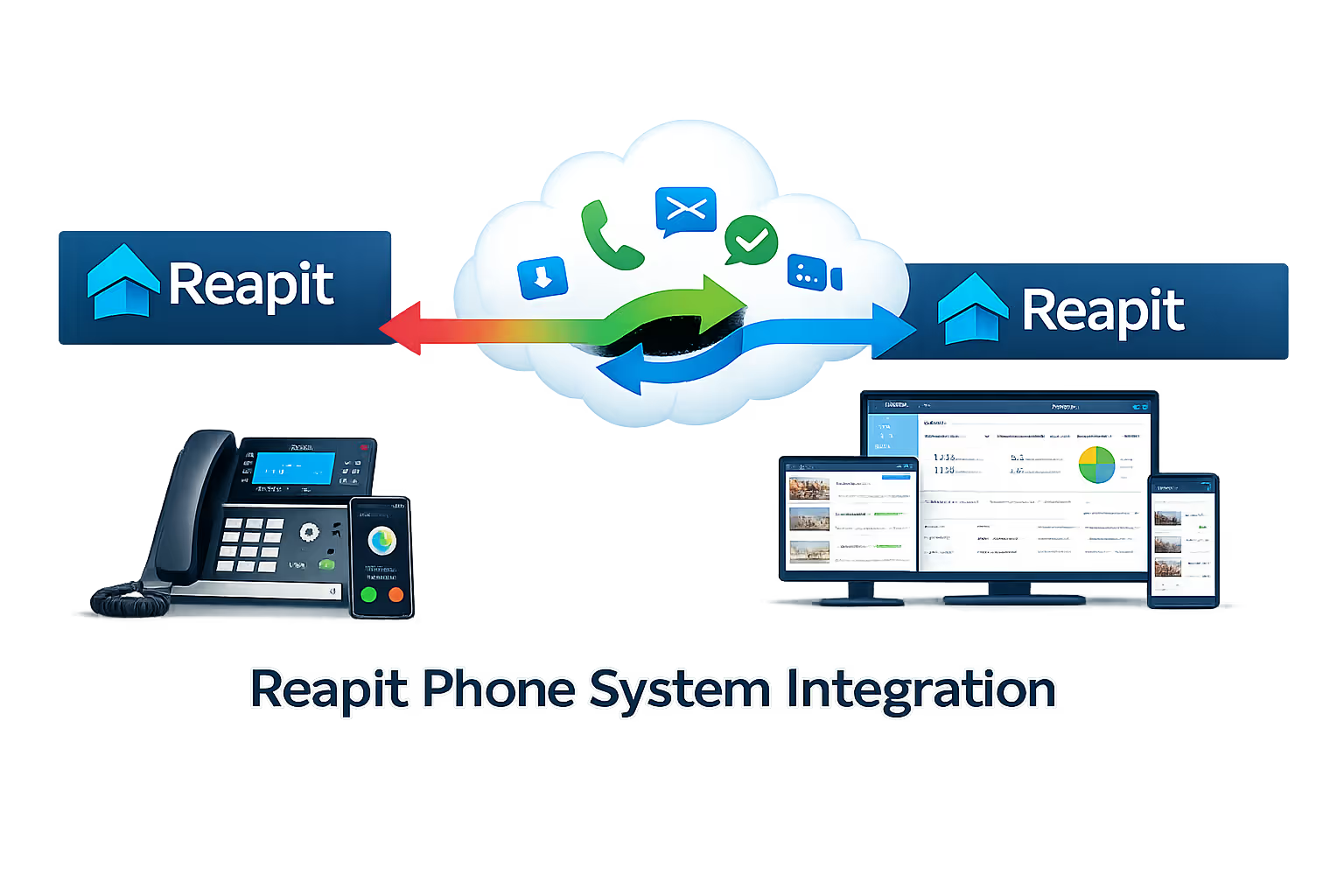
Key features of Reapit phone system integration
Every feature below is available regardless of which phone system you use, as long as it supports API or CRM integration (which all major VoIP platforms do).
Automatic call logging
Every inbound and outbound call is automatically logged against the matching Reapit contact, capturing timestamp, duration, call direction, and outcome. No manual entry. No missed interactions.
Live screen pops on inbound calls
The moment a call arrives, Reapit opens the caller's record automatically, showing their property preferences, open enquiries, tenancy details, or sales progression. Your team knows who's calling and why before they say a word.
Click-to-call from any Reapit record
Dial any applicant, landlord, vendor, or tenant directly from their Reapit record with a single click. No mis-dials, no copy-pasting, just click and the call connects through your phone system.
Caller identification for unknown numbers
When a call comes in from a number not yet in Reapit, your team is alerted immediately. A new contact or lead can be created automatically, or manually enriched while still on the call.
Call recordings linked to Reapit
Recordings are linked directly to the call log entry in Reapit. Managers can review any conversation, resolve disputes, and coach negotiators, all without leaving the CRM.
Task and follow-up creation
Create follow-up tasks, viewing appointments, or reminders in Reapit directly from a call, so nothing is left to memory and every client commitment is tracked.
Missed call alerts with Reapit context
When a call is missed, your team gets an alert that includes the caller's Reapit record, so they know immediately whether it's a hot applicant or a landlord who needs urgent attention.
Works across all offices and remote staff
Whether your negotiators are in branch, working from home, or on viewings, the integration works identically via softphone apps. Screen pops and call logging follow the agent, not the desk.
Power of 3CX Reapit integration
Built for every role in your agency
Built on the Reapit Foundations API and 3CX's CRM integration framework, every feature below works across desk phones, the 3CX Web Client, and the 3CX mobile app.

Sales negotiators
See applicant preferences and sales progression the moment a buyer calls. Click to call vendors and solicitors directly from the sales record. Every call logged automatically, with no post-call admin.

Lettings negotiators
Instantly see whether an inbound call is from a landlord, a tenant, or an applicant, and which property they're associated with. Log maintenance calls, renewal discussions, and viewings without leaving Reapit.

Property managers
Every contractor call, tenant complaint, and landlord update is logged against the right tenancy record. Missed calls are flagged with full Reapit context so nothing falls through the cracks.

Branch managers
Finally see call activity data inside Reapit. Track which applicants are being chased, review call recordings when disputes arise, and measure team performance without chasing spreadsheets.
Supported phone systems
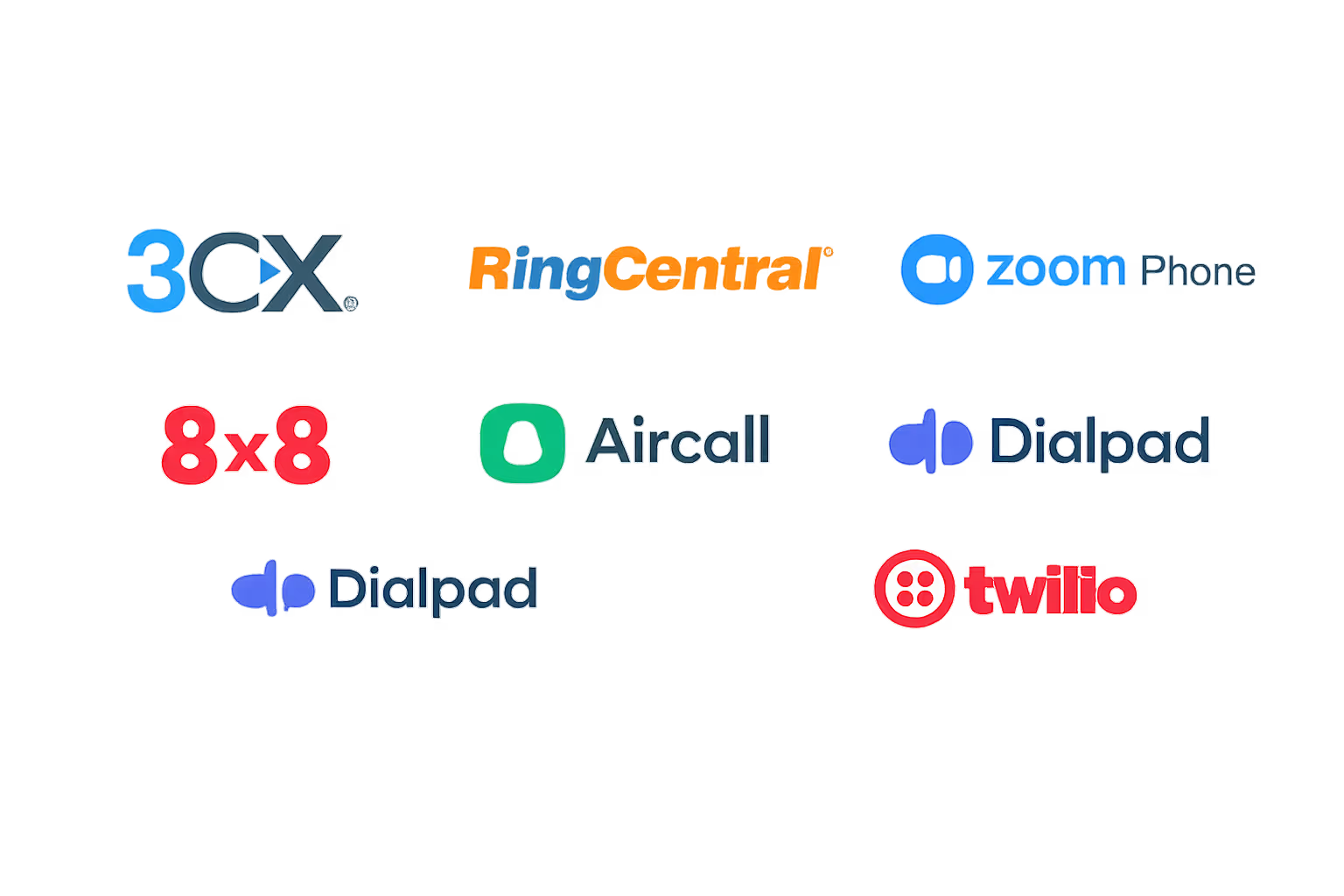
We integrate Reapit with a wide range of VoIP and PBX platforms. If yours isn't listed, we can build a custom integration, get in touch and we'll confirm compatibility.
The business case in numbers
Based on typical results reported by teams after connecting their phone system to Reapit.
How we set it up: from demo to go-live
We handle the full integration. You don't need an in-house developer or IT team.





Discover call
We review your current phone system, your Reapit modules (Sales, Lettings, Property Management), and the workflows you want to automate. We confirm compatibility and set a clear timeline.
FAQ
Reapit questions
Answers to the questions UK businesses ask us most about Reapit phone system intergration.
Does Reapit support phone system integration?
Yes. Reapit's Foundations API lets third-party phone systems and integration platforms connect to Reapit CRM, giving you real-time contact sync, call logging, screen pops and click-to-call.
Which phone systems can be integrated with Reapit?
Any VoIP or PBX platform that supports API or CRM integration. We have pre-built integrations for 3CX, RingCentral, Zoom Phone, 8x8, Aircall, Dialpad and Twilio. On a different system? Contact us and we'll build a custom integration.
Which Reapit modules does the integration support?
It works across Reapit's Sales CRM, Lettings CRM and Property Management modules. Screen pops, call logging and click-to-call all run against contacts in any module.
How long does setup take?
Most integrations go live within one business day. We configure and test everything, so you don't need to pull in your IT team or contact Reapit support.
Will existing Reapit data be affected?
No. The integration only adds new call logs from go-live onwards. Your existing Reapit records, contacts and history stay untouched.
Does it work for remote and mobile staff?
Yes. As long as your phone system has a softphone or mobile app, which every major VoIP platform does, it works the same for remote and on-the-go staff. Screen pops and call logging follow the agent, not the desk.
What if we want to switch phone systems in the future?
Because the integration sits on the Reapit Foundations API, switching phone systems just means reconfiguring the telephony side. Your Reapit setup, call logs and contact data stay intact.
Trusted by UK businesses who take security seriously
Government-backed certification | In-house cyber specialists | Fast turnaround


"Before the integration, our sales team was spending the first few minutes of every call scrambling to pull up the customer record. Now NetSuite opens automatically the second the phone rings. Call logging is instant. We've probably saved each rep 30 minutes a day and our pipeline data is finally accurate.”
Operations Director, B2B Distribution Company
What you need to get started
The Reapit phone system integration has a small set of prerequisites. If you're unsure about any of these, our team will confirm everything on the discovery call.
-
- Your phone system: 3CX, RingCentral, Zoom Phone, 8x8, Aircall, Dialpad, Twilio, or another VoIP or PBX platform with API or CRM integration
- Reapit account with Foundations API access enabled
- Reapit in the browser or desktop app: for click-to-call directly from Reapit contact and property records
- Your phone system's apps: web, desktop, or mobile (for click-to-call and screen pops)
Not sure your phone system will connect? Tell us what you run and we'll confirm it on the discovery call, or supply a 3CX system alongside the Reapit integration as a single project.
Trusted by businesses across the UK
Connect your phone system to Reapit
0333 370 7000
Mon-Fri 8am-5pm
[email protected]
Response within 1 business day, guaranteed
United Kingdom
UK-based team, since 2012