IT Directors
Need a fast credential exposure check before a wider cyber review, MFA rollout or board update.

What the scan tells you
A dark web scan checks whether email addresses, passwords or personal details linked to a business domain appear in known breach datasets, leak records or dark web intelligence sources. It helps organisations identify compromised accounts before they are used for phishing, impersonation, business email compromise or unauthorised access.
A scan is useful for organisations that rely on Microsoft 365, cloud applications, remote access, shared mailboxes or privileged admin accounts. It is especially useful before a wider cybersecurity review, MFA rollout, insurance renewal, client security questionnaire or board-level risk discussion.
Need a fast credential exposure check before a wider cyber review, MFA rollout or board update.
Want a practical view of identity, Microsoft 365 and account takeover risk.
Need to reduce disruption caused by phishing, impersonation and compromised business accounts.
Want a clear starting point for understanding cyber risk without unnecessary technical complexity.
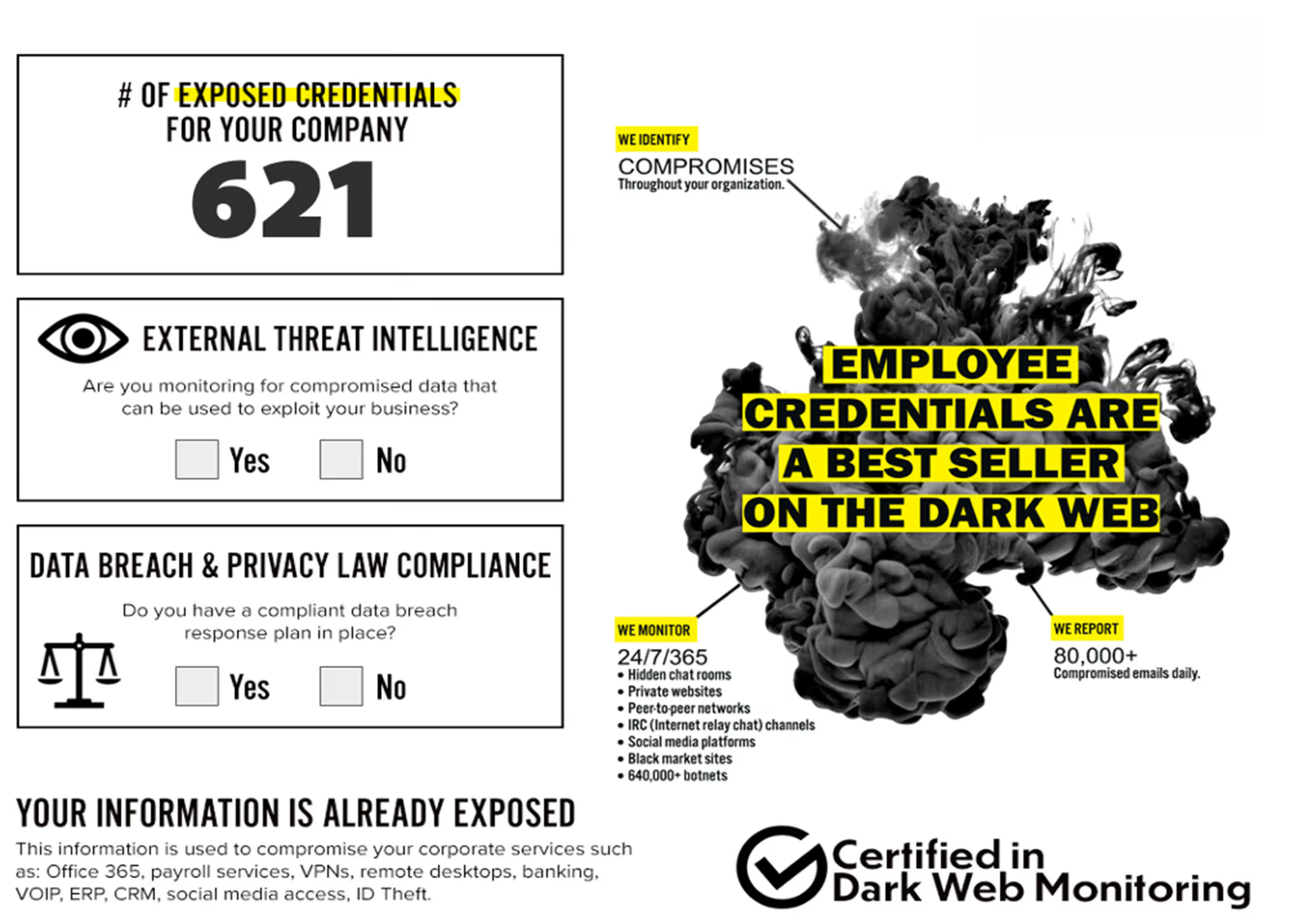
Exposed names, job titles and email addresses can help attackers create more convincing phishing messages.
Leaked credentials may be reused to access Microsoft 365, VPNs, cloud platforms, CRMs and supplier portals.
Business information can be used to impersonate trusted contacts, redirect invoices or pressure finance teams.
Built for Real Exposure Checks
This service is designed for business owners, CTOs, IT Directors, Operations Directors and senior managers who need a fast, evidence-led view of potential exposure.
Whether business emails have been leaked
Risk linked to Microsoft 365 users
Whether a director email has appeared in breach data
Exposed passwords or credential records
Understand exposed personal data
Prioritise password resets
Enforce MFA and account protection
Move into remediation and monitoring

Send us your business email address or company domain. Where authorised, selected director or senior-leader personal email addresses can also be included.

We check available breach, leak and dark web intelligence sources for exposed credentials, personal data and sensitive information linked to your organisation.

We summarise what has been found, the potential business risk and the recommended next steps.

Where exposure is found, we can help with password resets, MFA enforcement, Microsoft 365 security improvements, account protection, staff awareness and ongoing monitoring.

A dark web exposure check may identify different types of information depending on the breach or leak source.
Email addresses
Usernames
Passwords or password hashes
Names and contact details
Job titles
Director or employee information
Business account references
Breach source and exposure date
Other sensitive information that may increase phishing, impersonation or account-takeover risk
A no-obligation check for exposed business credentials, employee data and breach records linked to your company domain.
Find out whether business email addresses, usernames or password records associated with your company have appeared in known leaks.
Identify exposed Microsoft 365 users and prioritise password resets, MFA enforcement and tenant security improvements.
Clear findings that help decision-makers understand risk without unnecessary technical complexity.
We help you prioritise the findings, reduce the immediate risk and plan the right next steps.
Practical cyber support, Microsoft 365 security and ongoing monitoring designed for growing businesses.
Mon-Fri 8am-5pm · 24/7 for managed clients
Response within 1 business day, guaranteed
UK-based team, since 2012
Why us
A dark web scan checks available breach, leak and dark web intelligence sources for information linked to your organisation.
Identifies company email addresses, usernames and login combinations found in breach or leak sources.
Checks whether employee passwords or other authentication credentials have been exposed.
Finds personal information linked to employees, directors or business users.
Highlights confidential company information exposed within known breach, leak or dark web sources.
Provides available details about the breach source, leak date and exposure context.
Assesses the severity of each exposure and recommends practical actions to reduce the risk.
Review MFA, administrator accounts, mailbox rules, sign-in risks and tenant security settings.
Prioritise password resets, account reviews and access clean-up for exposed users.
Strengthen device security with endpoint protection, Microsoft 365 controls and managed IT support.
Help employees recognise phishing, impersonation attempts and the risks of password reuse.
Turn one-off findings into ongoing support, security monitoring and better account hygiene.
Move from a one-off scan to recurring exposure alerts and a structured remediation process.
FAQ
Answers to the questions UK businesses ask us most about Dark Web Monitoring.
A business dark web scan checks whether email addresses, leaked passwords, personal data or sensitive company information tied to your business has turned up in known breach datasets, leak records or dark web sources.
It checks business email addresses on your company domain and, where you authorise it, selected personal addresses for directors or senior staff. It flags any exposed credentials, passwords, personal data or sensitive information found in the breach, leak and dark web sources we can reach.
No. Antivirus protects your devices. Dark web monitoring looks at whether your credentials or personal data have already leaked somewhere else.
No. The scan only uses your business email address to work out which domain to check. Never send us your password.
We summarise what's exposed and recommend the actions that close it down: password resets, turning on MFA, reviewing accounts, staff awareness and tightening your Microsoft 365 security.
No scan can promise it has found every exposure. What it gives you is a practical read on your risk, based on the breach and dark web intelligence available at the time.
Personal data, also called PII or personally identifiable information, is anything that identifies or relates to a person. For a business that can mean names, email addresses, phone numbers, usernames, job titles, account references and other exposed details.
Yes, where you authorise it. Directors' and senior leaders' personal addresses often sit behind business services, supplier accounts, password recovery or old company admin. We don't need mailbox access, passwords or sight of any private email content.
No. The initial scan needs no access to your mailbox, passwords, Microsoft 365 tenant or internal systems. If you want remediation after the scan, we agree the right access for that separately.
No. A clean scan doesn't prove you have zero exposure or risk. It means nothing relevant showed up in the sources we checked at that point in time.
It depends on what leaked. If personal data is involved and there is a risk to the people it belongs to, UK GDPR gives you 72 hours from becoming aware to report it. A scan result on its own is not automatically a reportable breach, but it is often the first sign that you need to find out.
Yes. Attackers often go after small businesses precisely because they expect weaker controls, reused passwords or thin IT cover. A dark web scan is a practical first step to learn whether your business information is already out there.
Request your free scan
Find out whether your company email addresses, director personal emails, exposed passwords, personal data or sensitive business information have appeared in breach, leak or dark web sources.
No passwords required. No mailbox access required. No system access required.