Answering blind
A call comes in and your negotiator has no idea if it's a hot applicant, a landlord chasing a repair, or a cold enquiry — until they've already said hello.


These are the problems estate agents tell us about before they connect their phone system to Reapit.
A call comes in and your negotiator has no idea if it's a hot applicant, a landlord chasing a repair, or a cold enquiry — until they've already said hello.
After every call, someone opens Reapit, finds the contact, and types up what was said. That's 5–10 minutes of admin per call, multiplied across your whole team, every day.
Negotiators juggle their phone, Reapit, email, and a notepad on every call. Every switch costs focus — and details fall through the cracks.
You can't see how many calls are being made, which applicants are being chased, or whether follow-ups are actually happening — because the data lives in the phone system, not Reapit.

Integration & automation
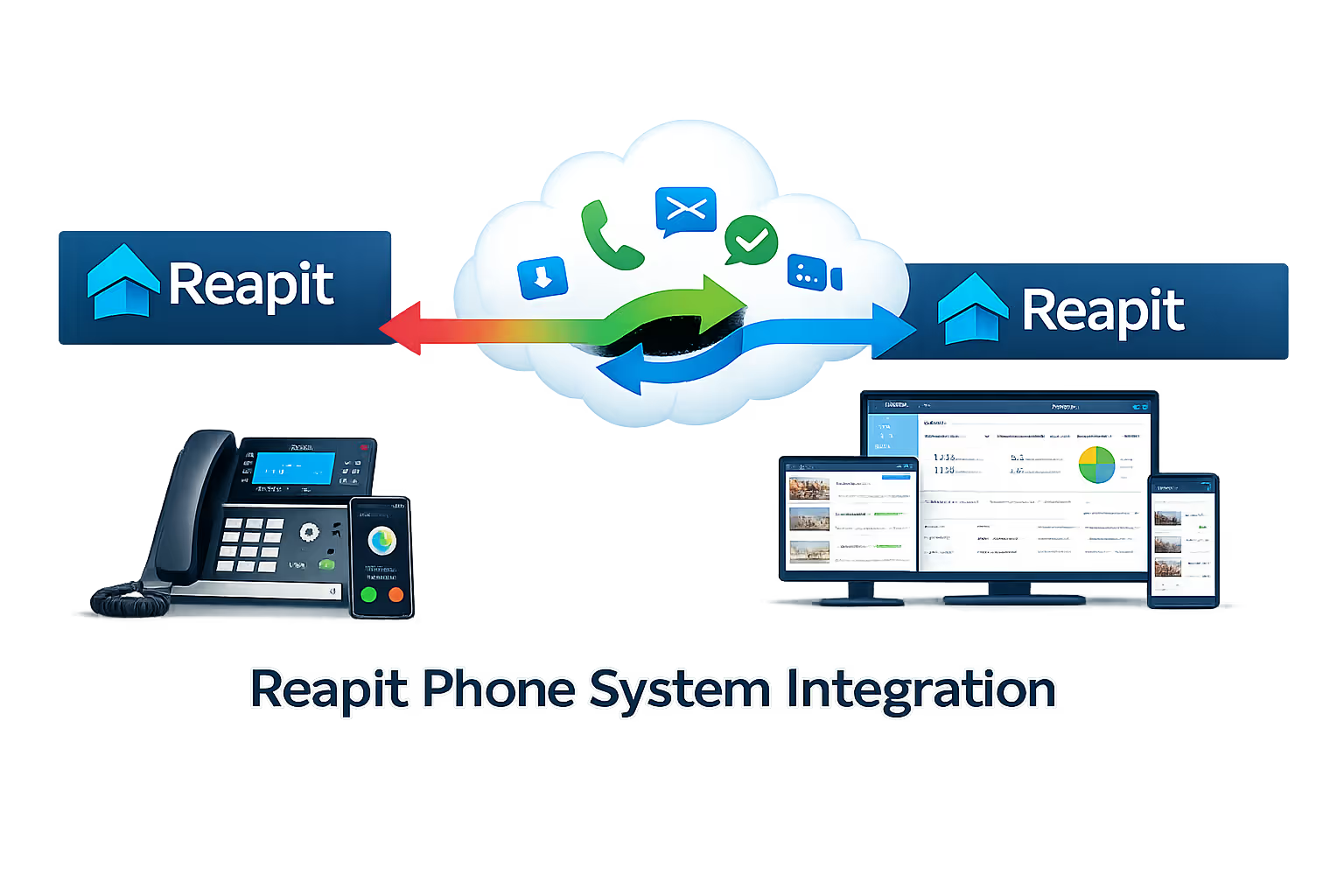
Built on the Reapit Foundations API and Yeastar's custom CRM integration template — updated in March 2025 with new call note, real-time contact query, and enhanced screen pop features.
The moment a call arrives, Reapit opens the matching contact record — showing applicant preferences, landlord portfolio, or vendor sales progression. Your team knows who's calling before they say a word.
Dial any applicant, landlord, vendor, or tenant directly from their Reapit record using the Yeastar Linkus Chrome extension. One click — the call connects. No mis-dials, no copy-pasting.
Every inbound and outbound call is automatically journalled against the matching Reapit contact — capturing date, time, duration, direction, and status. Zero manual entry. Zero missed interactions.
Add notes and disposition labels like 'Viewing booked' or 'Callback required' in real time during the call — directly in Linkus. Notes are saved automatically to Reapit call logs and CDR.
Every call triggers a live Reapit contact lookup — so even contacts not yet synced to the PBX phonebook are identified instantly. Search Reapit contacts directly from the Linkus dialler without leaving the phone.
Negotiators can open the Reapit contact record on demand during any call by clicking the CRM tab in the Linkus call window — useful for calls where context is needed mid-conversation.
When a call comes in from a number not in Reapit, a '+' icon appears in Linkus. One click creates a new contact pre-filled with the caller's number — your negotiator adds the name while still on the call.
Recordings stored on your Yeastar PBX are linked directly to the call log entry in Reapit. Managers can review any conversation without leaving the CRM or logging into the PBX admin panel.
Reapit contacts sync to your Yeastar PBX and all Linkus clients in near-real time. The caller's name appears on desk phones, Linkus Web, Desktop, and Mobile — wherever your team is working.
How we set it up
We handle the full integration. You don't need an in-house developer or IT team.
We map your process, data and goals, then scope an app that pays back fast.

We design the experience and build your canvas or model-driven app with low-code best practice.

We connect your data, set role-based access and integrate Microsoft 365, Dataverse and SharePoint.

We launch, train your team and provide ongoing support and continuous improvements.

We review adoption, tune performance and roll out improvements as your business grows.

Power of 3CX Reapit integration
Built on the Reapit Foundations API and 3CX's CRM integration framework — every feature below works across desk phones, the 3CX Web Client, and the 3CX mobile app.
Instantly see whether an inbound call is from a landlord, a tenant, or an applicant — and which property they're associated with. Log maintenance calls, renewal discussions, and viewings without leaving Reapit.
Every contractor call, tenant complaint, and landlord update is logged against the right tenancy record. Missed calls are flagged with full Reapit context so nothing falls through the cracks.
Finally see call activity data inside Reapit. Track which applicants are being chased, review call recordings when disputes arise, and measure team performance without chasing spreadsheets.
See applicant preferences and sales progression the moment a buyer calls. Click to call vendors and solicitors directly from the sales record. Every call logged automatically — no post-call admin.
Client voices
FAQ
Yes. Yeastar P-Series integrates with Reapit through its Custom CRM Integration Template, which connects to any CRM with a REST API. Reapit's Foundations API fits that, and we've built and deployed this integration for UK estate agencies.
You need the Yeastar P-Series Enterprise Plan or higher to use the Custom CRM Integration Template, across Cloud, Software and Appliance editions. On a lower plan? We can fold an upgrade into the project.
It works across Reapit's Sales CRM, Lettings CRM and Property Management modules. Screen pops, call logging, call notes and click-to-call all run against contacts in any module.
The March 2025 Yeastar P-Series update added real-time call notes and disposition tags right in the Linkus client during calls. Notes save automatically to your Reapit call logs and CDR, and managers choose which call types (inbound, outbound, queue) have notes switched on.
Yes. The Yeastar Linkus mobile and desktop clients support every feature, screen pops, click-to-call, call logging and call notes, wherever your team works. Calls made on Linkus Mobile log in Reapit exactly like desk-phone calls.
Most integrations go live within one business day. We configure and test everything, so you don't need to pull in your IT team or Reapit support.
We keep an eye on both platforms for updates that could affect the integration. If a firmware or API change needs work on our side, we handle it for you, so you won't have to raise a support ticket.
Yes. You can set screen-pop behaviour per extension and per call type (inbound, outbound, missed). You can also choose which Linkus client triggers the popup, handy for agents signed into several devices at once.
Mon-Fri 8am-5pm
Response within 1 business day, guaranteed
UK-based team, since 2012