
Get your free integration assessment
Sound familiar?
These are the most common complaints we hear from NetSuite users before they connect their phone system.
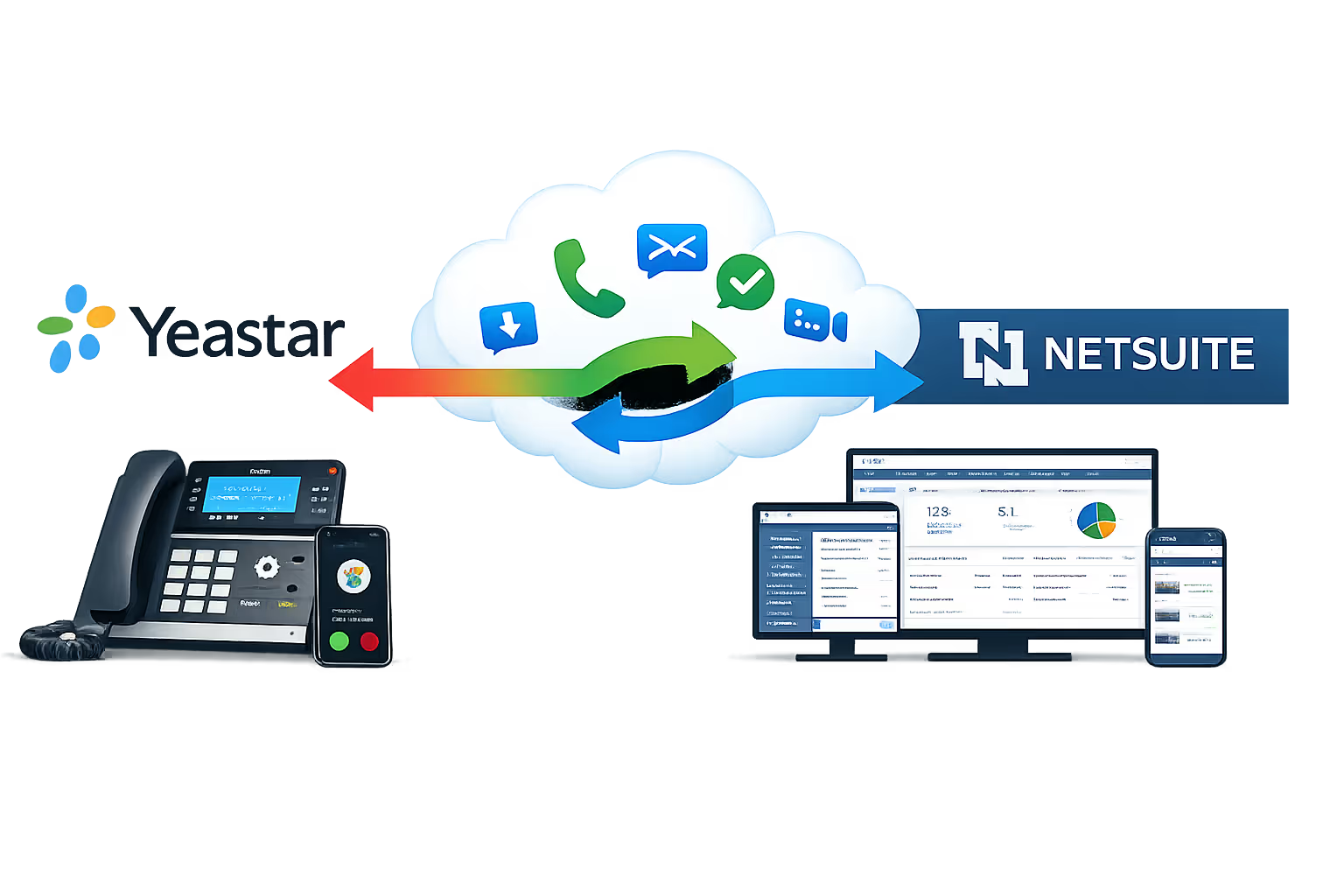
What you get with Yeastar + NetSuite
Built on Yeastar's custom CRM integration template and the NetSuite REST API, every feature below works across desk phones, the Linkus Web Client, and the Linkus mobile app.
Click-to-call from any NetSuite record
Dial any contact, lead, or customer directly from NetSuite using the Yeastar Linkus Chrome extension. No dialling errors, no switching apps, just click and talk.
Automatic call logging
Every inbound and outbound call is automatically logged in the associated NetSuite record, capturing date, time, duration, call status, and direction. Zero manual entry.
Live inbound screen pops
The moment a call arrives, NetSuite opens the caller's record automatically. Your team sees purchase history, open cases, and contact details before they say hello.
Call recording playback in NetSuite
Recordings stored on your Yeastar PBX are accessible directly from the call log entry inside NetSuite. Review any conversation without leaving your CRM.
Auto-create contacts from unknown callers
When a call comes in from a number not in NetSuite, Yeastar can automatically create a new contact or lead, which your rep can enrich while still on the call.
Real-time contact sync
NetSuite contacts sync to your Yeastar PBX and all Linkus clients in near-real time. Your team always sees the caller's name on desk phones, mobile, and desktop.
Call control inside NetSuite
Hold, transfer, record, and end calls without leaving your CRM. Full call controls are available via the Linkus Web Client embedded in your browser.
IVR, queues and advanced call routing
Route calls based on NetSuite data, sending VIP customers straight to their account manager, or routing by region, product line, or team. All configured in Yeastar.
FAQ
Yeastar & NetSuite integrations questions
Answers to the questions UK businesses ask us most about Yeastar & NetSuite phone integration system.
Does Yeastar officially support NetSuite integration?
Yes. Yeastar P-Series integrates with NetSuite CRM through its Custom CRM Integration Template, which connects to any CRM with a REST API. NetSuite is a verified, successfully integrated platform on the Yeastar App Marketplace.
What Yeastar plan do I need?
You need the Yeastar P-Series Enterprise Plan or higher to use the Custom CRM Integration Template, across Cloud, Software and Appliance editions. On a lower plan? We can fold an upgrade into the project.
How long does setup take?
Most integrations finish within one business day. More complex setups, like custom call routing based on NetSuite data, take a little longer. We give you a precise timeline after the discovery call.
Will call recordings be visible inside NetSuite?
Yes. Call recordings stored on your Yeastar PBX play back straight from the matching call log in NetSuite, with no need to log into the PBX admin panel separately.
Can Yeastar automatically create new NetSuite contacts from unknown callers?
Yes. When a call comes in from a number NetSuite doesn't recognise, Yeastar can create a new contact or lead automatically. Your rep then adds notes and details while still on the call.
Does this work with mobile and remote workers?
Yes. The Yeastar Linkus mobile and desktop clients support every integration feature, including screen pops, click-to-call and call logging, wherever your team is working.
What if some features don't work with our NetSuite setup?
The features you get depend on which REST API endpoints your NetSuite instance exposes. We audit your NetSuite API setup during the discovery call and confirm exactly what's achievable before any work starts.
Trusted by UK businesses who take security seriously
Government-backed certification | In-house cyber specialists | Fast turnaround


"Before the integration, our sales team was spending the first few minutes of every call scrambling to pull up the customer record. Now NetSuite opens automatically the second the phone rings. Call logging is instant. We've probably saved each rep 30 minutes a day, and our pipeline data is finally accurate."
Operations Director, B2B Distribution Company
What you need to get started
- The Yeastar NetSuite integration has a small set of prerequisites. If you're unsure about any of these, our team will confirm everything on the discovery call.
- Yeastar P-Series Phone System: Enterprise Plan or higher (Cloud, Software, or Appliance edition)
- NetSuite CRM account with REST API access enabled
- Linkus for Google Chrome extension: click-to-call directly within the NetSuite browser interface
- Linkus UC Clients: Web, Desktop, or Mobile, for click-to-call and screen pops
- Not yet on Yeastar? We can supply and configure a Yeastar P-Series system alongside the NetSuite integration as a single project. Get in touch to discuss.
Connect Yeastar to NetSuite
0333 370 7000
Mon-Fri 8am-5pm
[email protected]
Response within 1 business day, guaranteed
United Kingdom
UK-based team, since 2012