Web & mobile apps
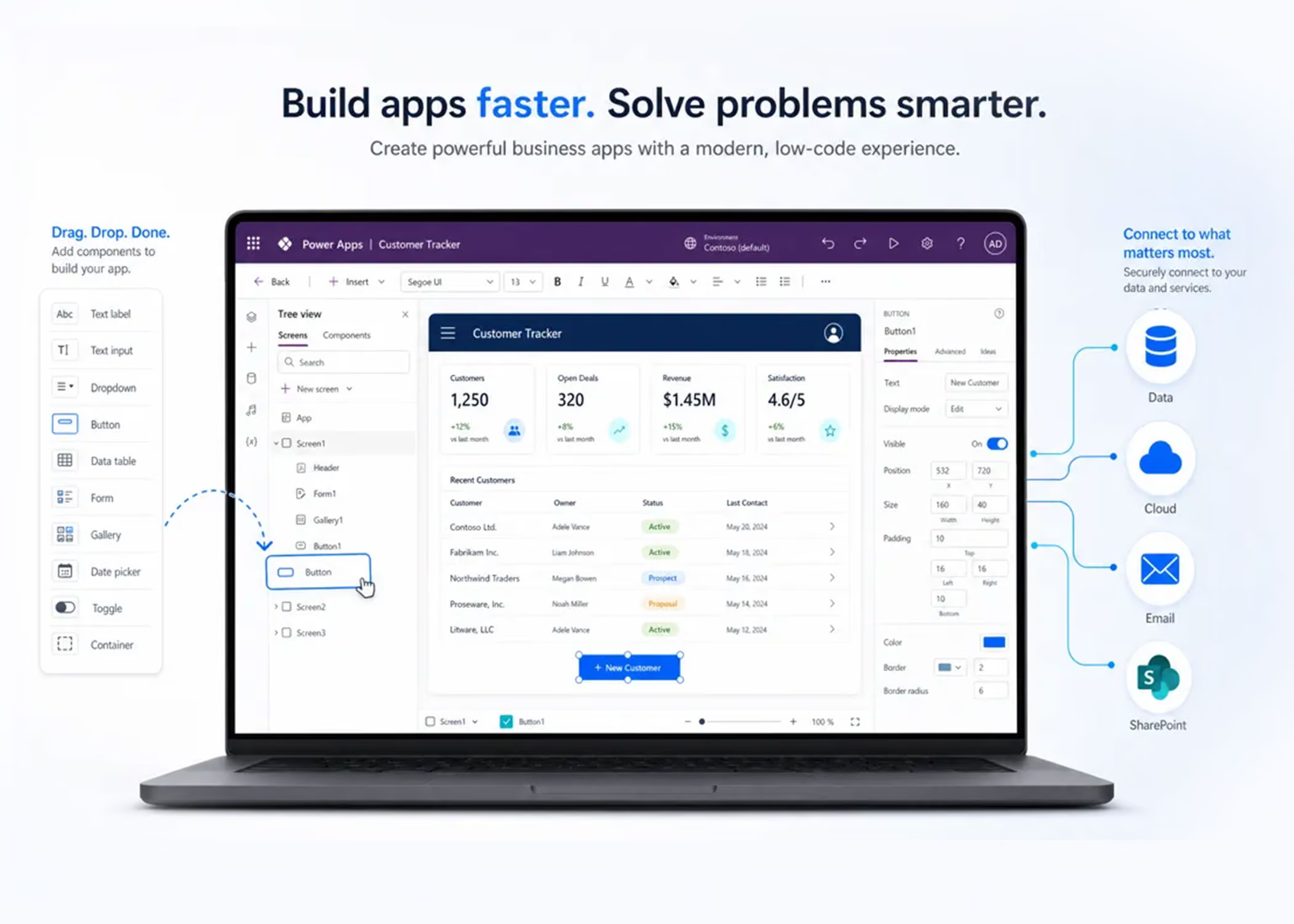
One build runs in a browser and on phones and tablets, online or offline.


One build runs in a browser and on phones and tablets, online or offline.

The right app type for your process, from simple forms to data-heavy tools.
Capture data, route approvals and report on it, all in one place.
Clean, consistent data with rules enforced as people type.

Connects to Microsoft 365, Dataverse, SharePoint, SQL Server and Dynamics 365.
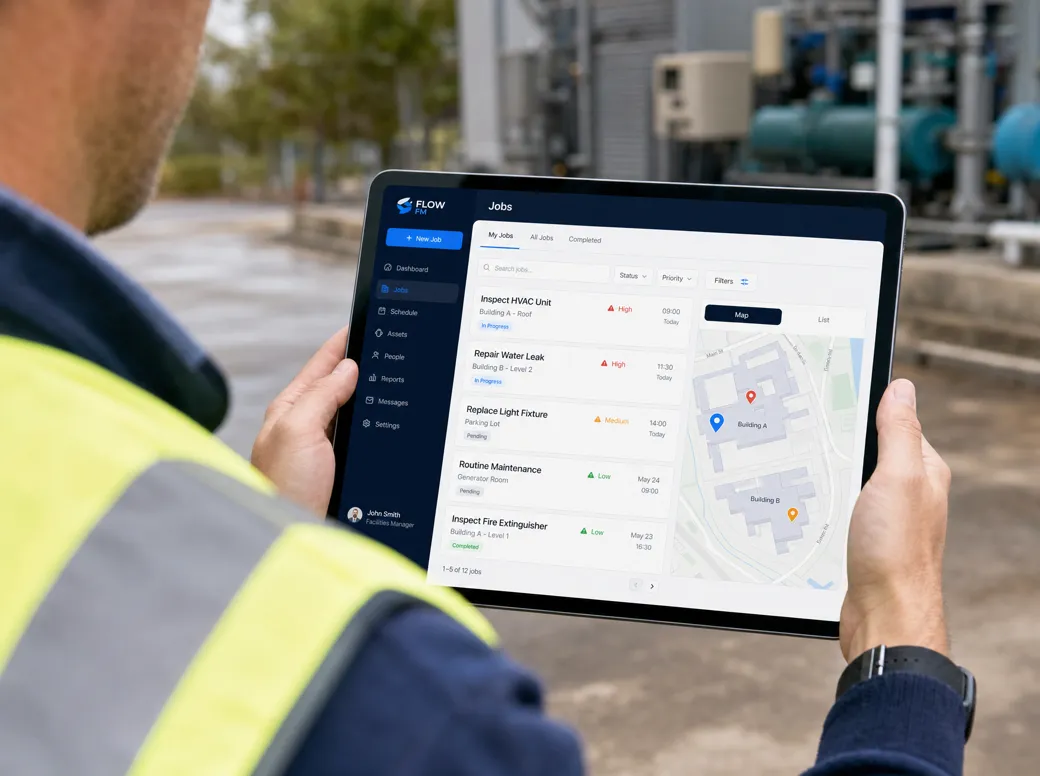
Built for field teams, with inventory management, barcode and QR scanning.

Why Power Apps

Yes. Power Automate connects Microsoft 365 apps like Outlook, Teams, SharePoint and Excel, plus Dynamics 365, SQL Server, Salesforce, Power BI and Power Apps, through Microsoft's connector ecosystem. Where no standard connector exists, we use APIs, custom connectors or desktop flows and RPA to bring older applications into the loop. (Microsoft Learn)
No. We handle discovery, workflow design, build, permissions, testing, launch and ongoing support. All we need from you are the people who own each process and know how approvals, exceptions and handoffs should really work.
The return comes from hours saved, fewer manual handoffs, faster approvals and fewer re-keying mistakes. We map your high-volume admin processes first and estimate the monthly time saved before we build anything, so every workflow has a clear business case behind it.
You need a modern web browser, a Microsoft work or school account, and the right Microsoft 365 or Power Automate licence for the flows you want to run. Some standard connectors come with your existing Microsoft 365 licensing. Premium connectors, desktop flows and attended or unattended RPA need extra licensing, which we spell out for you up front.
Power Automate cloud flows need a Microsoft work or school email address. Since 27 July 2025, Microsoft no longer supports personal accounts such as Gmail or Outlook.com for signing in. (Microsoft Learn)
Power Automate handles repeatable business processes: approval routing, notifications, data entry, invoice handling, staff onboarding, file management, CRM updates and reporting. Cloud flows connect your apps to each other, desktop flows bring RPA to older systems, and AI Builder reads documents and triggers actions from what they contain.